
blurp.kt
Blurp
Test build 1.3 · 1.6 MB APK
Frosts the half of your Galaxy Z Fold’s screen that moves while you open and close it: on the home screen, in other apps and on the lock screen.
For the Galaxy Z Fold7, Z Fold8 and Z Fold8 Ultra on Android 17 (One UI 9).
- Free
- No ads
- No internet permission
- Open source
Install it
- Open this page on your Fold and tap Download. Your browser warns about every APK file: tap Download anyway.
- Open the download and tap Install. Play Protect scans Blurp first, which takes a few seconds. If Android asks, let your browser install apps. An earlier test build from here? This installs over it.
- Open Blurp, tick the box and tap Continue.
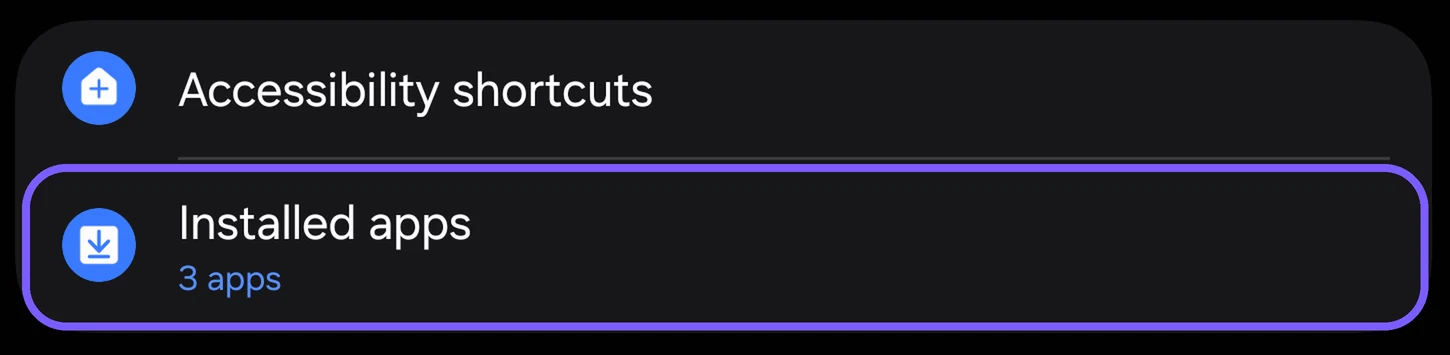
- Blurp lists the three steps Android needs for an app from a download. First, tap Open Settings: Settings opens on Accessibility with Installed apps highlighted. Tap Installed apps, then Blurp. Android answers “App was denied access”: tap Close and go back to Blurp.
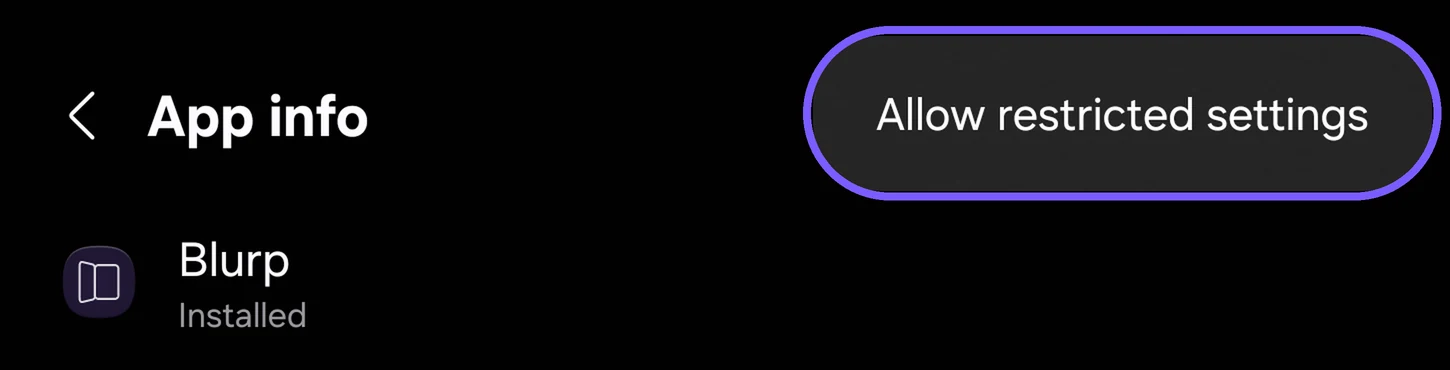
- Tap Open App info, then ⋮ at the top right, and choose “Allow restricted settings”. Confirm if Android asks, then go back to Blurp.
- Tap Open Settings again, then Installed apps and Blurp. Switch Blurp on and tap Allow.
- Close your phone and open it. Blurp says “You’re all set”.
Check the download
- SHA-256 of blurp-1.3.apk
9be2386831f10954fbbd330e02f7c4ad9073e7540b5df6cd9234b5fb3657b7df- Signing certificate (CN=DEVDOGS, O=DEVDOGS, C=US), SHA-256
35:DA:54:1B:3B:FB:C3:85:55:F0:79:87:F3:6C:27:8C:43:B5:48:E5:16:5D:AE:99:96:2C:44:5F:33:D1:77:3E
Test builds don’t update themselves. Come back here for new versions.